AI trend photo booth for iPhone
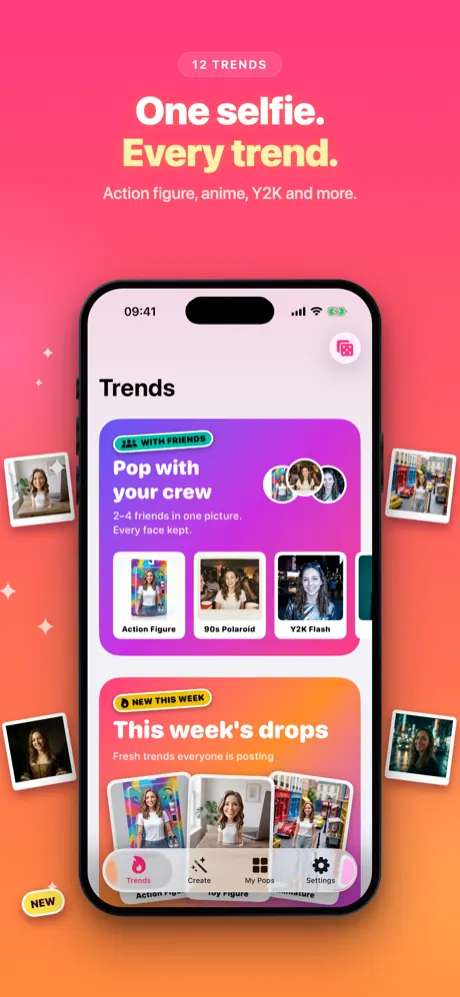
One selfie. Every trend.
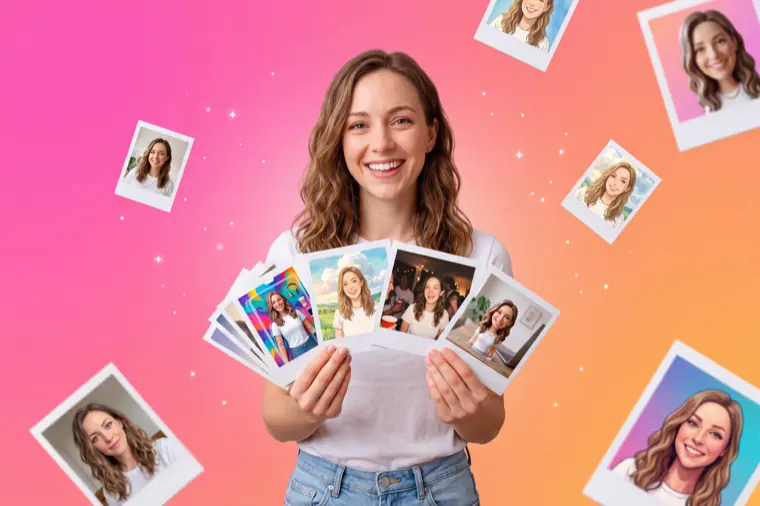
Pick a trend like Action Figure or 90s Polaroid, add a selfie and tap Pop it. AI keeps your face and changes everything else, so the result is ready for your story in about 10 to 30 seconds. Or make a Group Pop with up to 3 friends, or shoot a four-frame photo booth strip from the same selfie.
Coming soon to the App Store
iPhone · iOS 17 or later
- 12 photo trends
- Group Pops with up to 4 people
- One photo or a 4-frame strip
- Story card, video, wallpaper
- 9 languages
- No ads, no account
How it works
No prompts to write and no editing skills needed. You choose the look; the app writes the instructions for the AI.
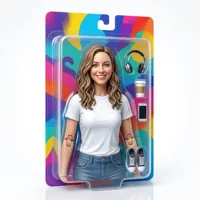
Tap a trend
Open a collection on the Trends tab, or pick a trend on the Create tab. Can't choose? Roll the dice for a random trend.

Add your selfie
Take a photo or pick one from your library. A clear, well-lit portrait works best.
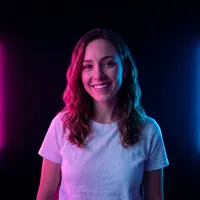
Edit the look, if you like
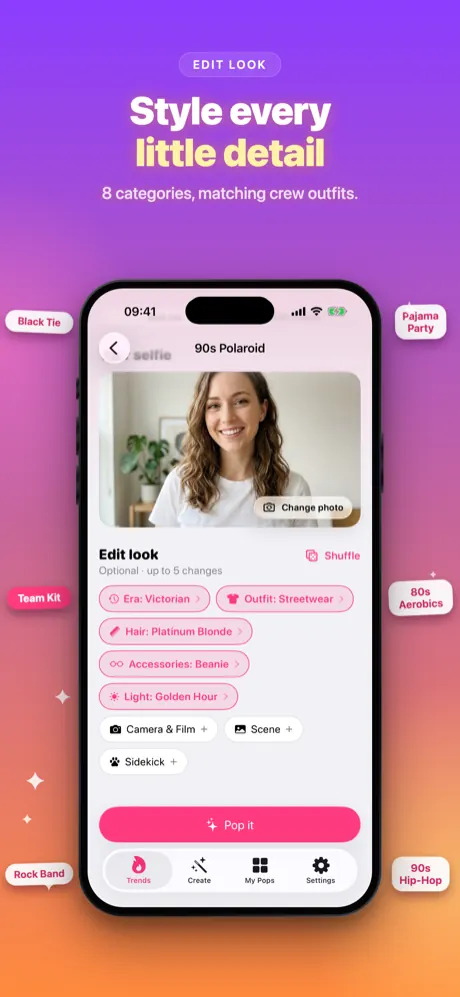
Open Edit look and change the era, outfit, hair, light, scene and more, or tap Shuffle for a surprise mix.

Pop it and share
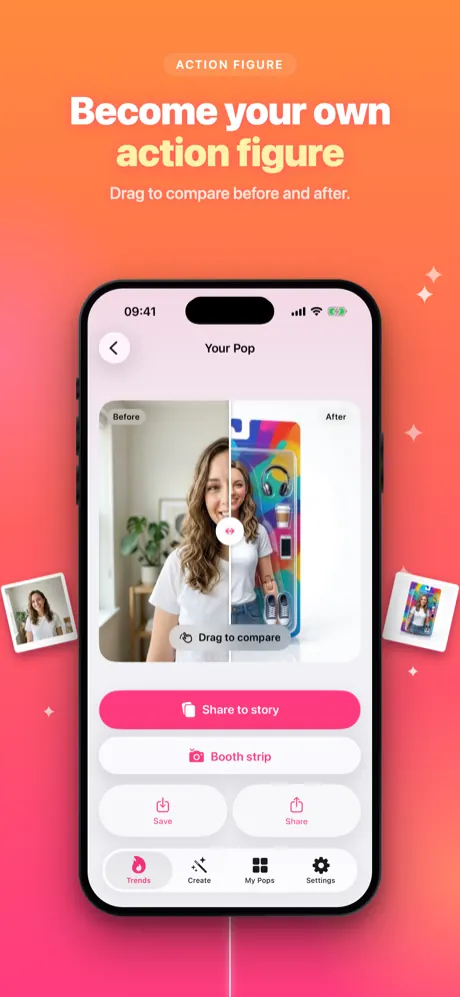
Tap Pop it. Your result opens with Share to story on top, plus a before/after slider, save and share.
12 trends in four collections
Four collections group the trends by vibe. Pick one, or let the dice decide.
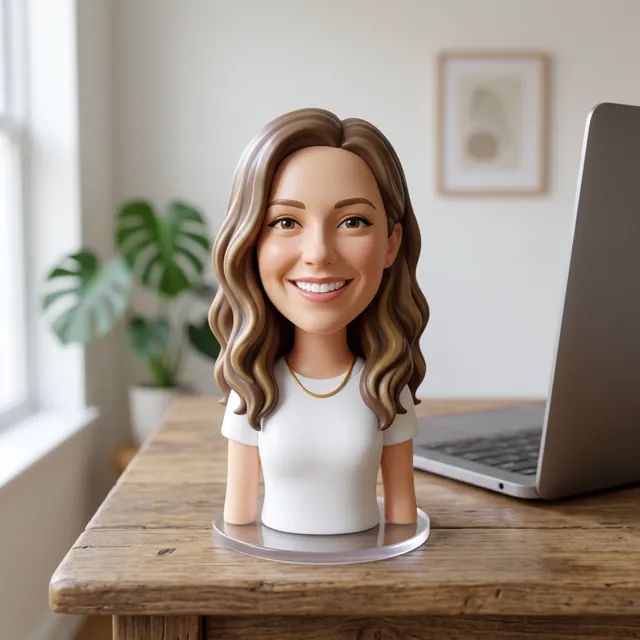
This week's drops
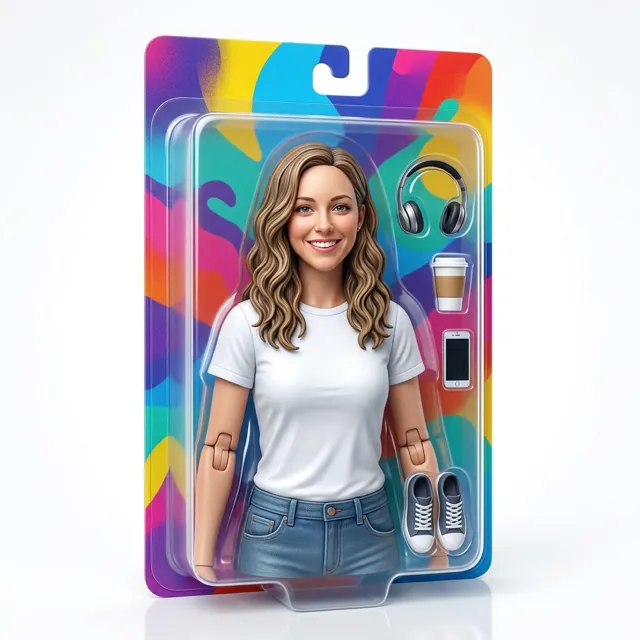
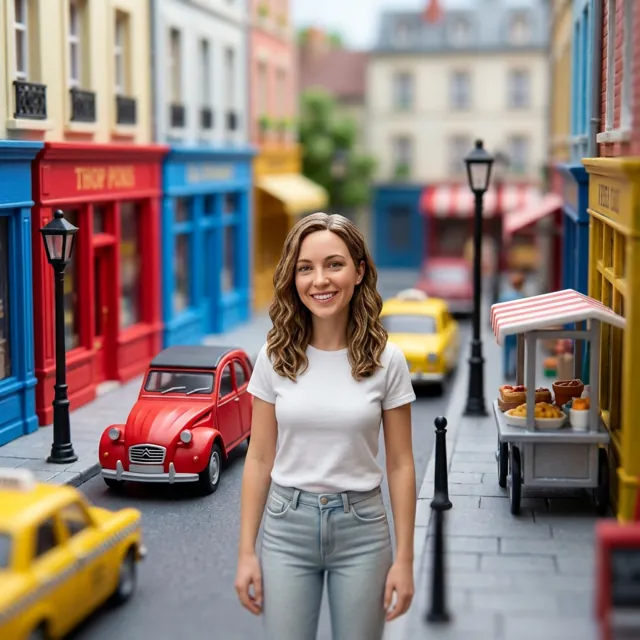
Action Figure in a toy box, Toy Figure, Miniature and Pop Art Comic.
Throwback
90s Polaroid, Y2K Flash and Yearbook: flash, film and yearbook vibes.
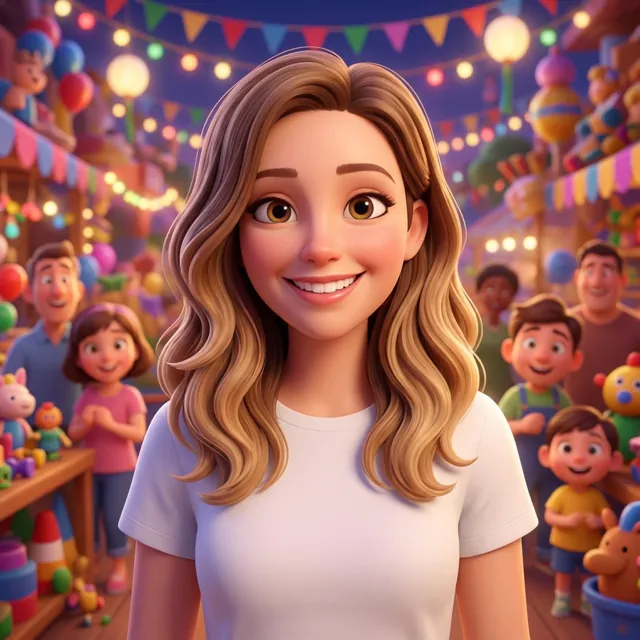
Toon yourself
Anime, 3D Cartoon and Pop Art Comic looks.
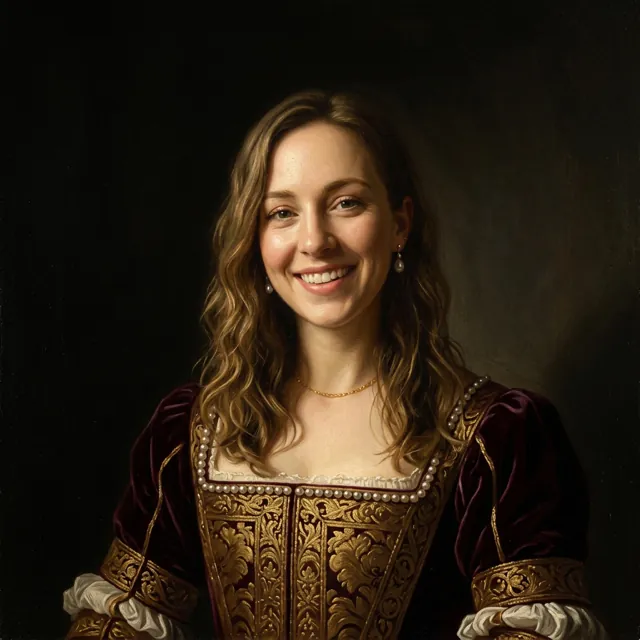
Main character
Magazine shoot, Movie Still and Renaissance painting.
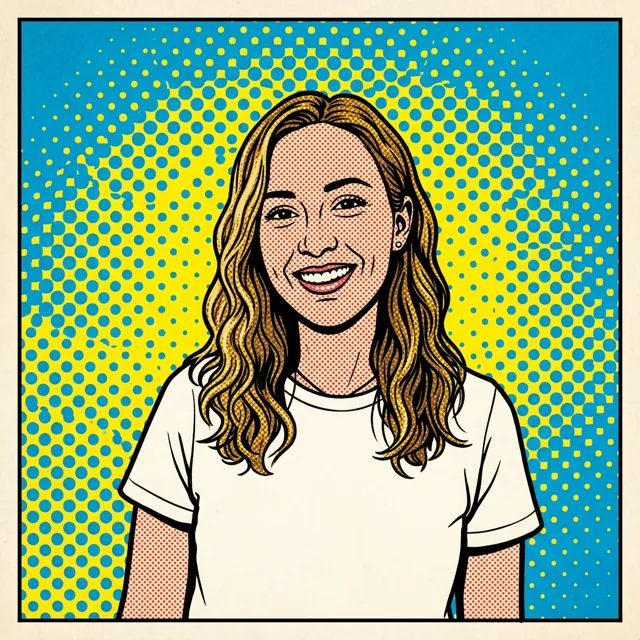
Roll the dice
Can't choose? The dice button opens a random trend, like this Pop Art Comic.
Spot the new ones
The “New” sticker marks the latest additions, like Action Figure in a toy box.
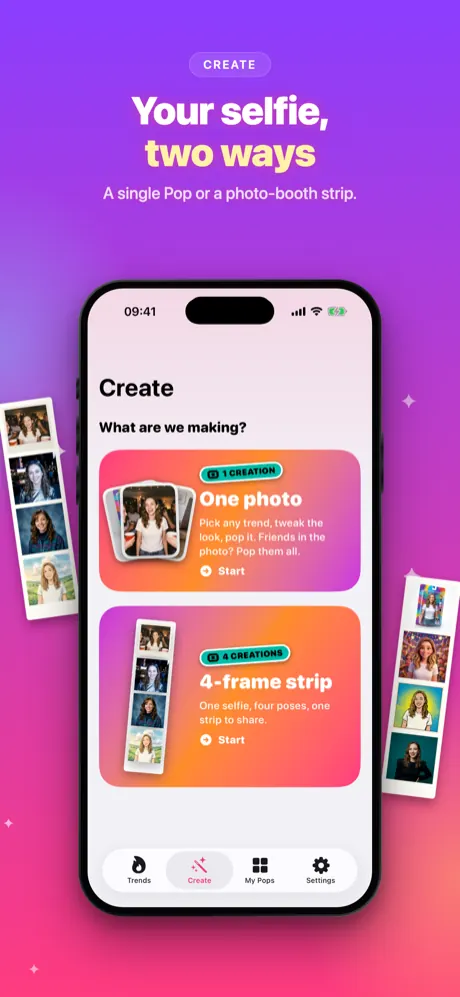
Create: one photo or a four-frame strip
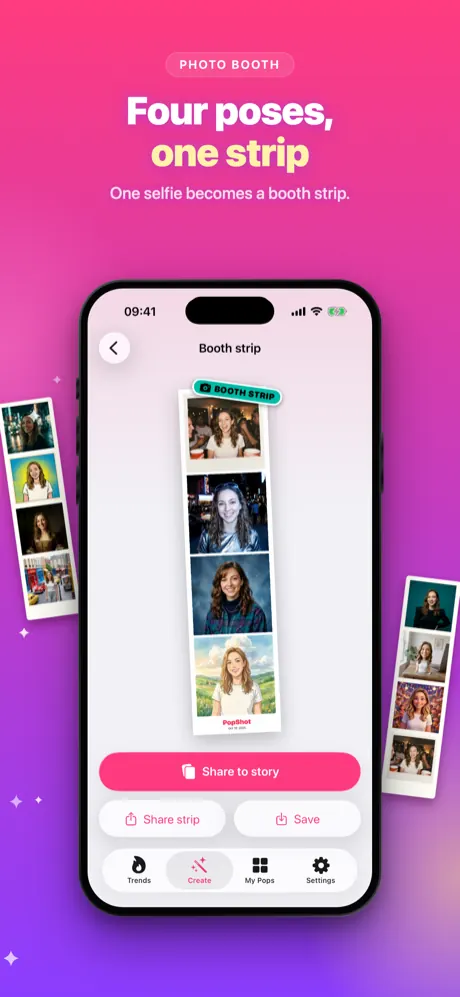
The Create tab starts with your selfie, then you choose: One photo (pick a trend, tweak it with Edit look and tap Pop it) or a 4-frame strip (one look, four poses, printed on a classic photo booth strip with the date).
- Four poses: big smile, peace sign, silly face and cool look.
- Any trend becomes a strip: tap Booth strip on a finished result to shoot a strip in the same look.
- Fair use of your allowance: a strip uses 4 creations, and a strip that fails or is cancelled uses none.
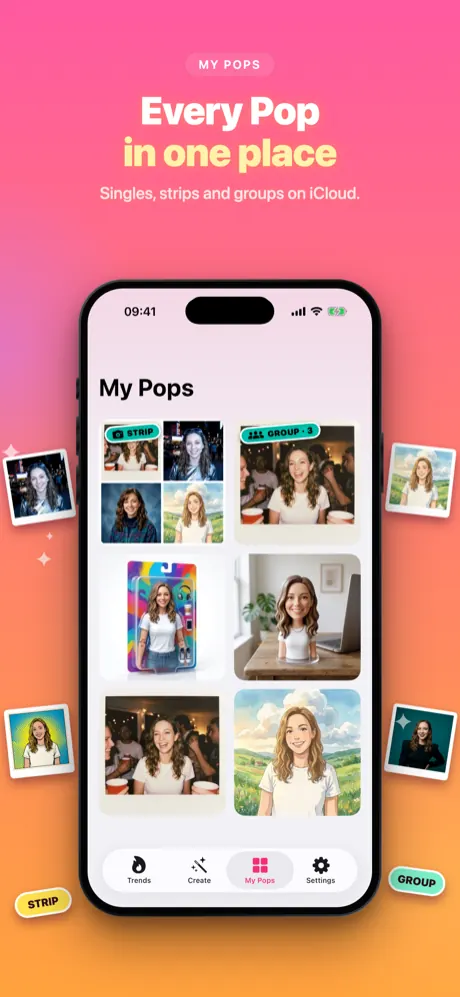
- Close the app if you like: a Pop in progress keeps going, and it shows up in My Pops when it's ready.
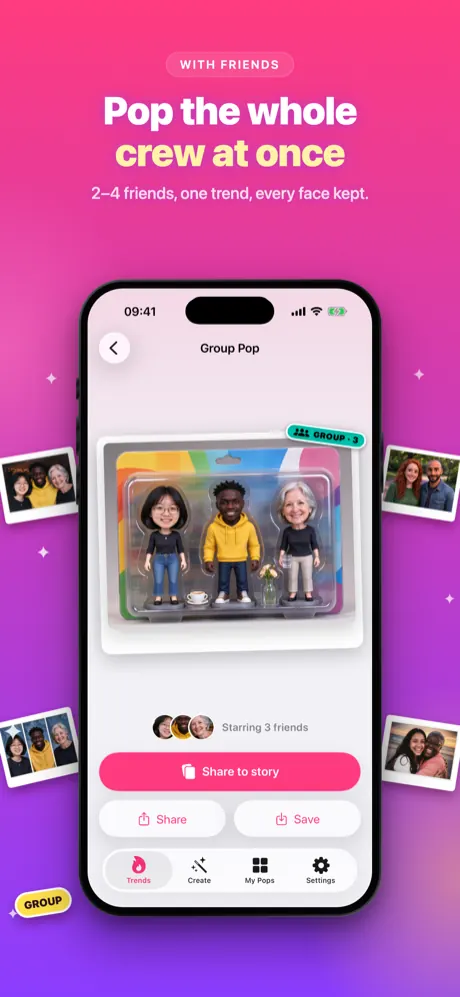
Group Pop: you and up to 3 friends
Add 2 to 4 people, each with their own selfie, or use one photo that already has everyone in it, and PopShot puts you all in the same trend. With one photo, the poses and interactions in it are kept. All 12 trends work for groups, and faces are counted on your iPhone so you know right away if a photo has too many or too few people.
- Edit look for the whole group: era, accessories, light, camera and scene.
- Matching outfits: dress everyone alike with looks like Black Tie, Pajama Party or Team Kit.
Edit the look
Every option is optional. Mix them with any trend, or tap Shuffle and let the app pick. Groups get their own set, including matching outfits.
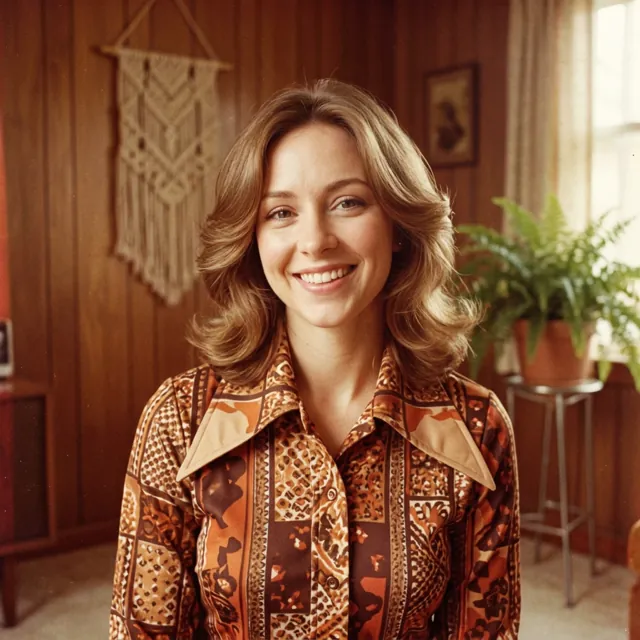
Era
10 options such as Victorian, 1950s, 1980s, 2010s.
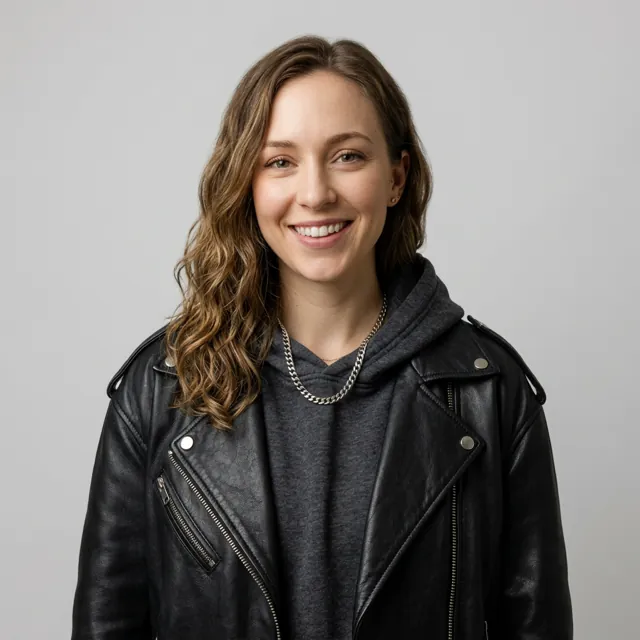
Outfit
16 options such as Streetwear, Old Money, Astronaut, Cyberpunk, Couture.
Hair
11 options such as Pastel Pink, Bob with Bangs, Big Curls, Space Buns.
Accessories
10 options such as Crown, Sunglasses, Pearls, Flower Crown.
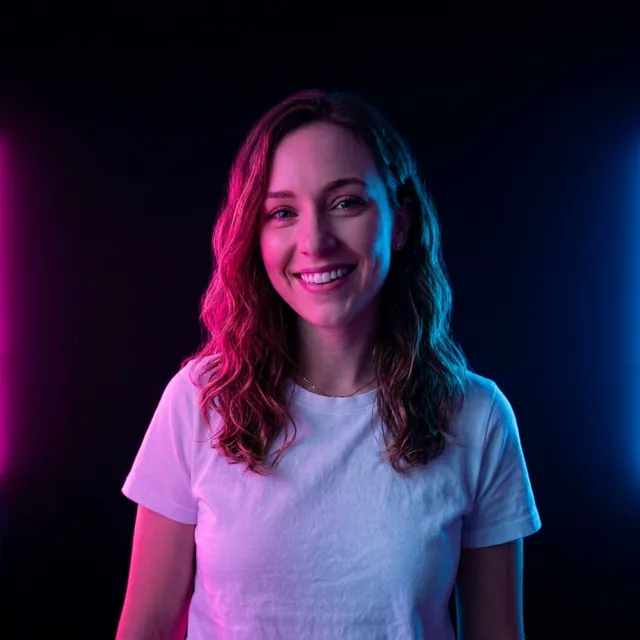
Light
10 options such as Golden Hour, Neon, Leafy Shadows, Spotlight.
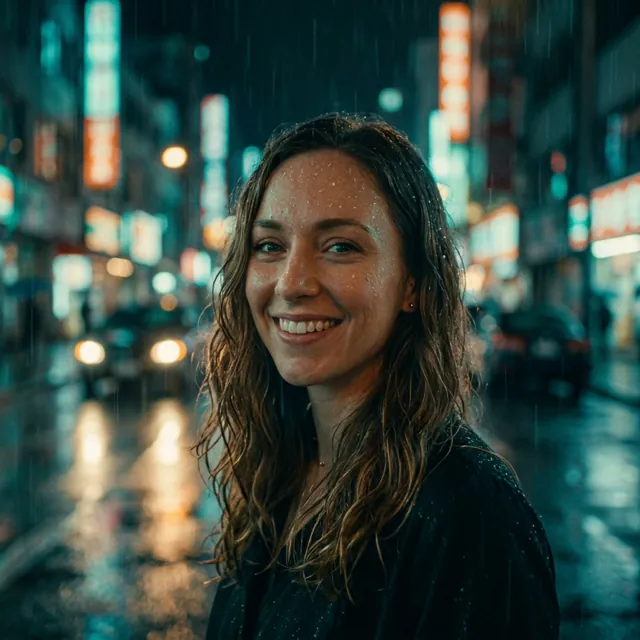
Camera & Film
12 options such as Fisheye, Disposable Camera, 35mm Film, Light Leaks.
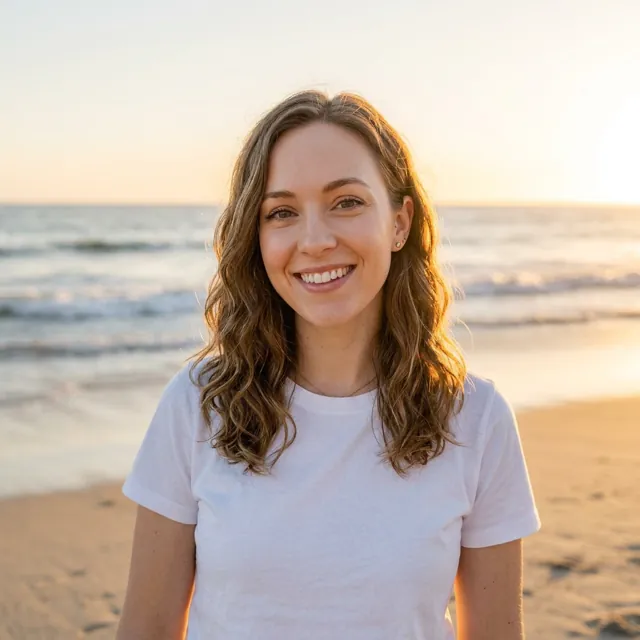
Scene
14 options such as Tokyo Night, Red Carpet, Santorini, Coral Reef.
Sidekick
7 options such as Puppy, Baby Dragon, Mini Robot, Panda Cub.
Shuffle
Tap Shuffle for a random mix of era, outfit, light and scene on any trend.
Your photos
Sent only when you create
Your photo leaves your iPhone only when you start a Pop or a strip. It goes through the developer's secure cloud function to a third-party AI provider (kie.ai), which makes the result and sends it back.
Not kept on our servers
The cloud function only passes your photo on and keeps nothing; the AI provider deletes its files automatically after a limited time. Faces are counted on your iPhone. No account, no ad tracking.
Your library is yours
Your Pops live on your iPhone and, if iCloud is on, in your private iCloud database. Delete any Pop in the app at any time.
At a glance
- Trends
- 12, in four collections
- Edit options
- 8 categories (era, outfit, hair, accessories, light, camera & film, scene, sidekick) plus Shuffle; groups also get matching outfits
- Create
- one photo, or a 4-frame strip (4 poses, one look; uses 4 creations)
- Group Pop
- 2 to 4 people from separate selfies or one photo, all 12 trends
- Result time
- about 10 to 30 seconds
- Sharing
- story card, before/after video, wallpaper, save and share
- Device
- iPhone with iOS 17 or later; internet needed to create
- Price
- free download; creating needs Premium (weekly or yearly) with a daily allowance shown in the app
- Languages
- English, Turkish, German, French, Spanish, Brazilian Portuguese, Japanese, Korean, Traditional Chinese
Screenshots
Quick answers
What is PopShot?
PopShot is an iPhone app that turns one selfie into viral photo trends, such as an action figure in a toy box, a 90s Polaroid, a Y2K flash photo, anime or a Renaissance painting. It can also make a four-pose photo booth strip from the same selfie.
Is PopShot free?
The download is free and you can browse every trend, but creating images requires PopShot Premium, a weekly or yearly auto-renewing subscription. In the US it costs $6.99 a week or $49.99 a year; prices in other countries are shown in the App Store. There are no ads.
Where does my photo go? Is it stored?
Your photo is sent only when you start a creation, together with a short text description of your choices. It goes through the developer's secure cloud function to a third-party AI provider (kie.ai), which makes the image and sends it back. Nothing is stored on our servers, and kie.ai deletes its files automatically after a limited time. Your Pops stay on your iPhone and in your private iCloud database if iCloud is on. See the privacy policy.
Does PopShot keep my face?
Yes, that is the goal: the AI is told to keep your face and identity and change the style, outfit, light and scene. As with any AI image tool, results vary, so a clear, well-lit selfie gives the best likeness.
All questions →
Ready for your next trend?
One selfie is all it takes: pick a trend, tap Pop it and post it to your story.
Coming soon to the App Store